How to Use Power-Ups in Zwift: The Secret to Going Faster
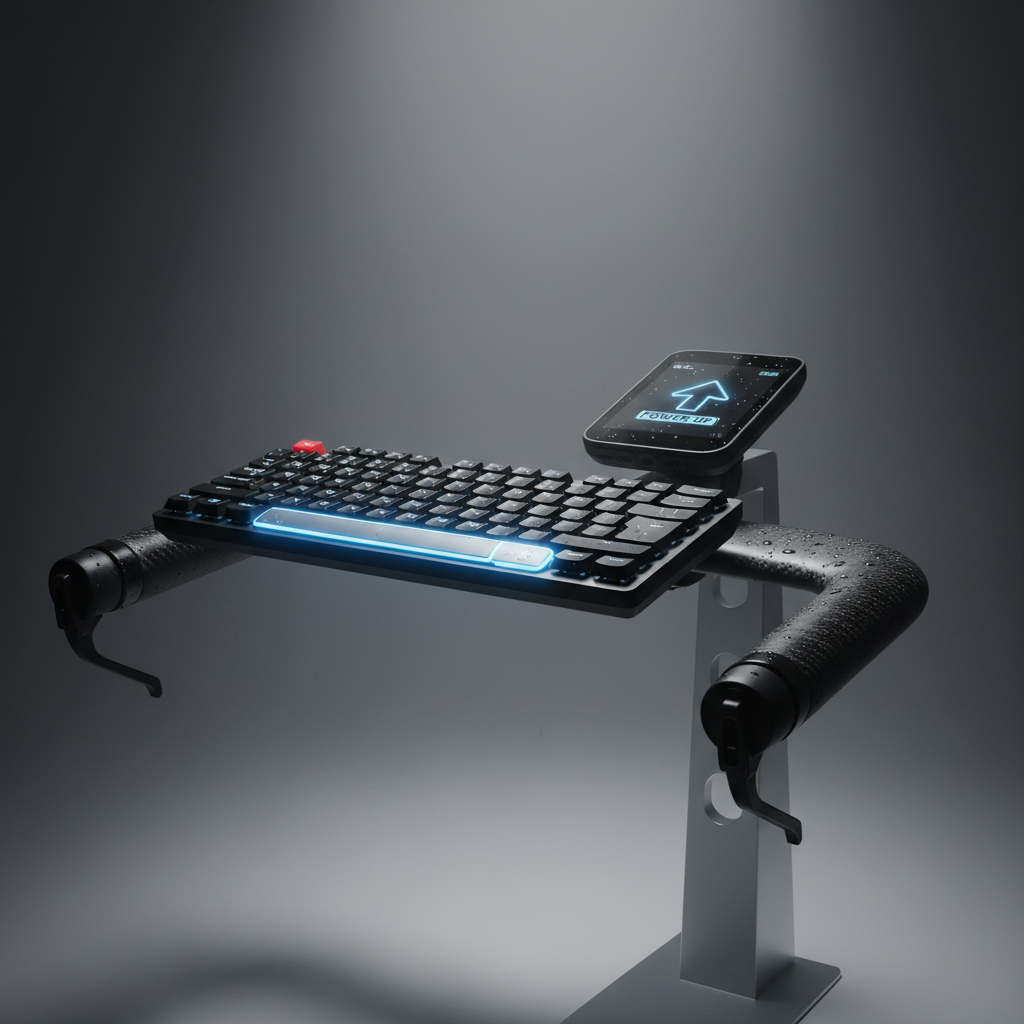
To use a power-up in Zwift, you just need to trigger it while you’re riding. If you are on a PC or Mac, hit the spacebar on your keyboard. If you’re using a tablet or phone, tap the power-up icon on your screen. You can also trigger them by tapping the white circle in the Zwift Companion app on your phone or by pressing the dedicated button on your Zwift Play controllers.
Think of power-ups as a temporary "boost" that helps you ride faster, climb easier, or hide from the wind. You get them by riding through the start/finish banners, sprint arches, or King of the Mountain (KOM) banners.
The Power-Up Cheat Sheet
Not every power-up is useful in every situation. Here is the breakdown of what you’ll see and how to use them effectively.
- The Aero Helmet (Red): This makes you more aerodynamic for 15 seconds. Use this when you are going fast (over 40kph), especially in a sprint finish or when trying to break away from a group.
- The Lightweight Feather (Orange): This reduces your body weight by about 10% for 15 seconds. Save this for the steepest part of a climb. If you’re hitting a 10% grade, pop the feather to keep your momentum without killing your legs.
- The Draft Van (Green): This doubles the "draft" effect you get from the rider in front of you for 30 seconds. It’s perfect for when you’re struggling to stay in a fast-moving pack or want to recover while others do the work.
- The Anvil (Gray): This makes you heavier for 30 seconds. It sounds counterintuitive, but it’s a weapon on descents. If you’re at the top of a hill, trigger the anvil to pull away from the group on the way down.
- The Burrito (Purple): This turns off the draft for everyone within a small radius of you for 10 seconds. Use this when you are at the front of a group and want to make it harder for people to sit on your wheel.
- The Cloak/Ghost (Blue): This makes you invisible to other riders for 10 seconds. Use this to sneak away for a long-range sprint or a surprise attack.
Why This Matters for Your Training
Using power-ups correctly is the difference between winning a race and getting dropped. If your FTP is 250W and you’re racing someone with a 270W FTP, you can actually beat them by using an Aero Helmet at the right moment.
It teaches you "race craft." You learn to look ahead at the elevation profile and the riders around you to decide when to spend your energy and when to use a mechanical advantage.
Pro Tips for Your Next Ride
Try this: Save your power-up. If you have a Feather and you’re approaching a flat sprint, don't use it. You can't get a new power-up if you’re already holding one. Use it just before the next arch so you have a chance to roll a better one (like the Aero) for the finish.
Watch the timer. Most power-ups only last 15 to 30 seconds. If you use your Aero helmet 500 meters from the finish line, it will run out before you actually hit the line. Wait until you are about 200–250 meters out.
Don't use them on "Workout Mode." If you are doing a structured training plan or a specific workout, power-ups won't appear. Zwift wants you to focus on hitting your wattage targets, not gaming the system.
Summary
- To Activate: Hit Spacebar (PC), tap the screen (Mobile), or use the Companion App.
- The Goal: Use the Feather on climbs, the Anvil on descents, and the Aero for the sprint.
- The Rule: You can only hold one at a time. Use it or lose the chance to get a new one at the next arch.