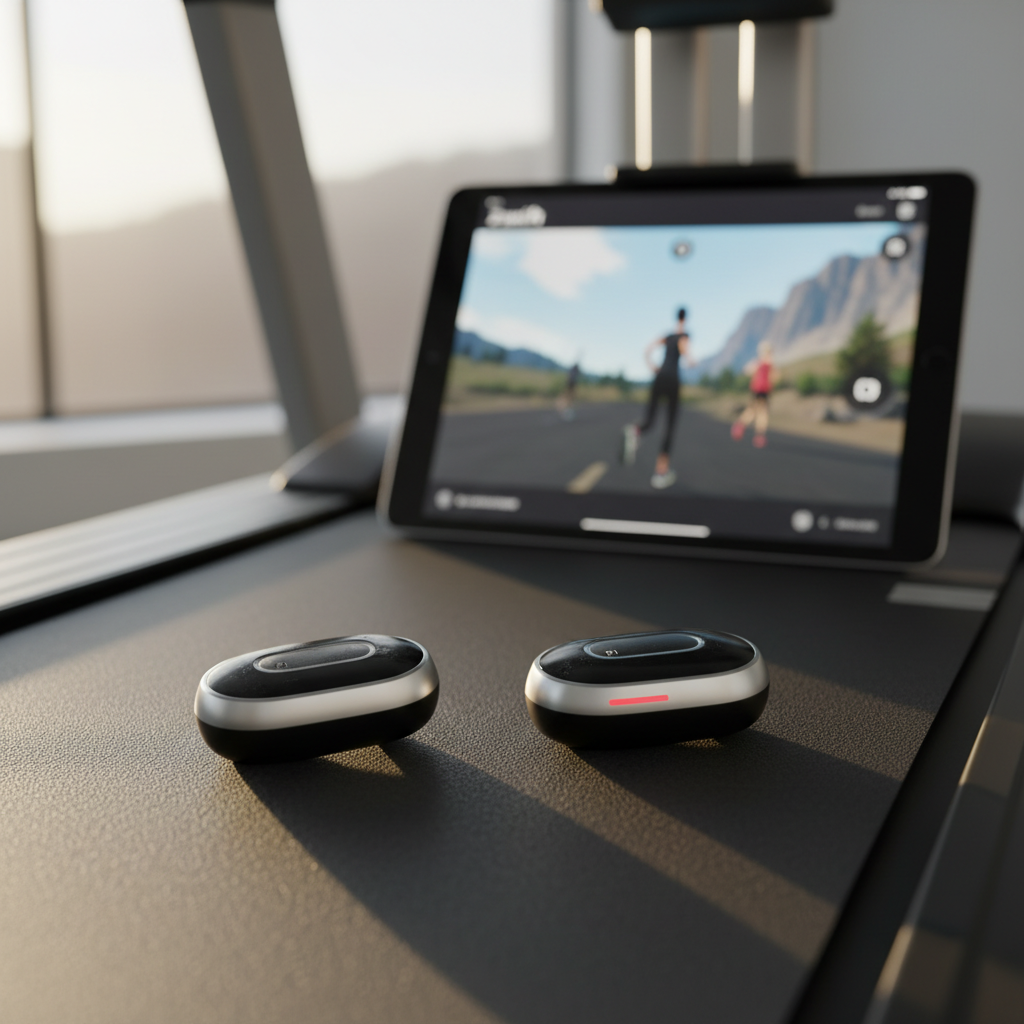
How to Use Zwift on Your Treadmill
How to Get Started with Zwift Running
You can turn your boring treadmill sessions into an interactive game by connecting a small sensor to your shoe and syncing it with the Zwift app. It is currently free to use the running side of Zwift, making it the cheapest way to "gamify" your indoor training and stay motivated when the weather is miserable.
You don’t need a fancy, five-figure "smart" treadmill to make this work. While high-end models can talk directly to your tablet, most of us just need a simple bridge to get our speed data into the virtual world. You can be up and running in Watopia in less than five minutes.
The Gear You Actually Need
To get your avatar moving, you need to bridge the gap between your feet and your screen. Here is the checklist to get you moving:
- A Speed Source: Most people use a "RunPod" (like the Zwift RunPod or a Garmin Foot Pod) which costs about $20-$30. It clips to your laces and measures your pace.
- A Screen: Use an iPad, an Apple TV, or your smartphone. Pro tip: Put the screen at eye level. If you're looking down at your feet, your running form will fall apart.
- The App: Download Zwift and create a profile. When the pairing screen pops up, make sure you click the "Run" tab at the top instead of the "Ride" tab.
Why This Matters for Your Training
If you are primarily a cyclist, adding one or two runs a week is a secret weapon for building bone density and overall durability. However, running creates more "impact fatigue" than cycling, so you need to watch your metrics closely.
Think of it this way: A 45-minute run might give you the same cardiovascular stress as a 90-minute ride, but your legs will feel it more the next day. If your TSB (Form) is already in the "Red" zone (below -40), skip the treadmill and stick to a recovery spin. Use Zwift's structured running workouts to keep your efforts honest; it’s much harder to slack off when your target pace is glowing on the screen in front of you.
Try This: The Calibration Secret
The biggest mistake new users make is trusting the treadmill's dashboard. Treadmills are notorious for being poorly calibrated—the screen might say you are running an 8:00 min/mile pace, but the belt is actually moving at an 8:20 pace. This makes your data useless.
Do this: Every time you pair your RunPod, click the "wrench" icon to calibrate. Zwift will ask you to run for 60 seconds at three different speeds (relaxed, tempo, and fast). This ensures that when you're sweating through a 5k interval, your avatar is actually moving at the right speed.
Level Up Your Indoor Runs
Don't just run aimlessly. Zwift offers specific training plans like "10k Active" or "Free to Run" that mirror the structure of cycling plans. You’ll get prompts on the screen telling you when to speed up or slow down, just like a coach standing next to the treadmill.
You can also join "Group Runs." Just like drafting on a bike, running with a pack makes the time fly by. If you find a "Pacer Group" moving at your goal speed (for example, 9:00 min/mile), stick with them. The social pressure of staying with the group is often the only thing that keeps you from hitting the "Stop" button early.
Quick Summary
- The Cost: Zwift Run is currently free; you just need a $20-$30 foot pod or a compatible Garmin watch.
- The Setup: Clip the pod to your shoe, pair it via Bluetooth, and calibrate it every single time.
- The Benefit: It builds bone density and "engine" capacity while keeping you entertained with social groups and structured workouts.